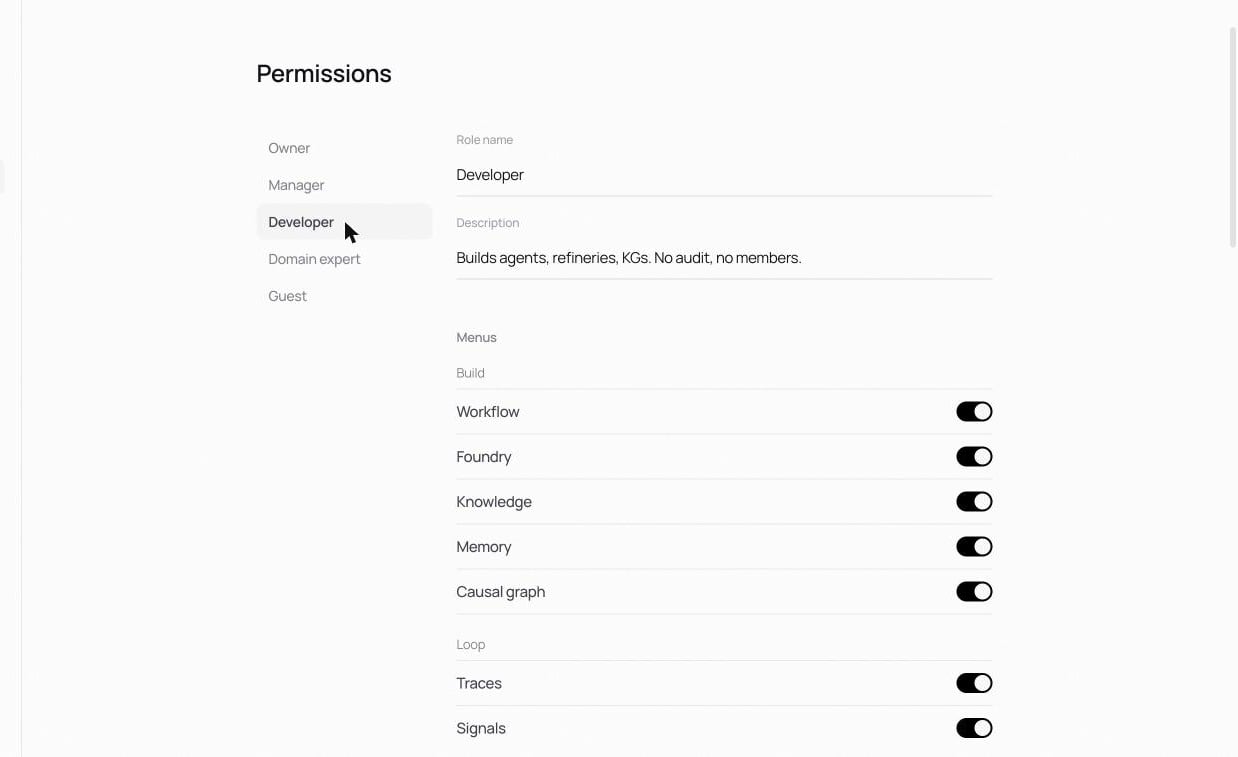
Settings → Permissions is the role × menu / action matrix. Pick a role on the left; configure what it can see and do on the right. Changes apply immediately. Owner is always full access and can’t be reduced. Every other role is editable. Reset all returns a role to its defaults. Which surfaces this role can open. Toggles per screen, grouped the way the app is:
  • Build: Workflow, Foundry, Knowledge, Memory, Causal graph.
  • Loop: Traces, Signals, Dataset, Simulation, Optimization, Versions.
  • Settings: Guardrails, Audit, Permissions, Members, Reports.
A screen that’s toggled off simply doesn’t appear for that role.

Actions

What this role can run. Actions are grouped by area, with destructive and sensitive ones badged: An action toggled off is blocked before it runs, regardless of which screens the role can open.

Defaults

The five built-in roles ship with sensible defaults matching their descriptions; see Members & roles. Tighten or loosen from there; the search box helps when the role list grows.