

Available providers
Settings → Connectors → + Add connector opens the Pick a provider panel. Each provider takes a Name plus its own credential: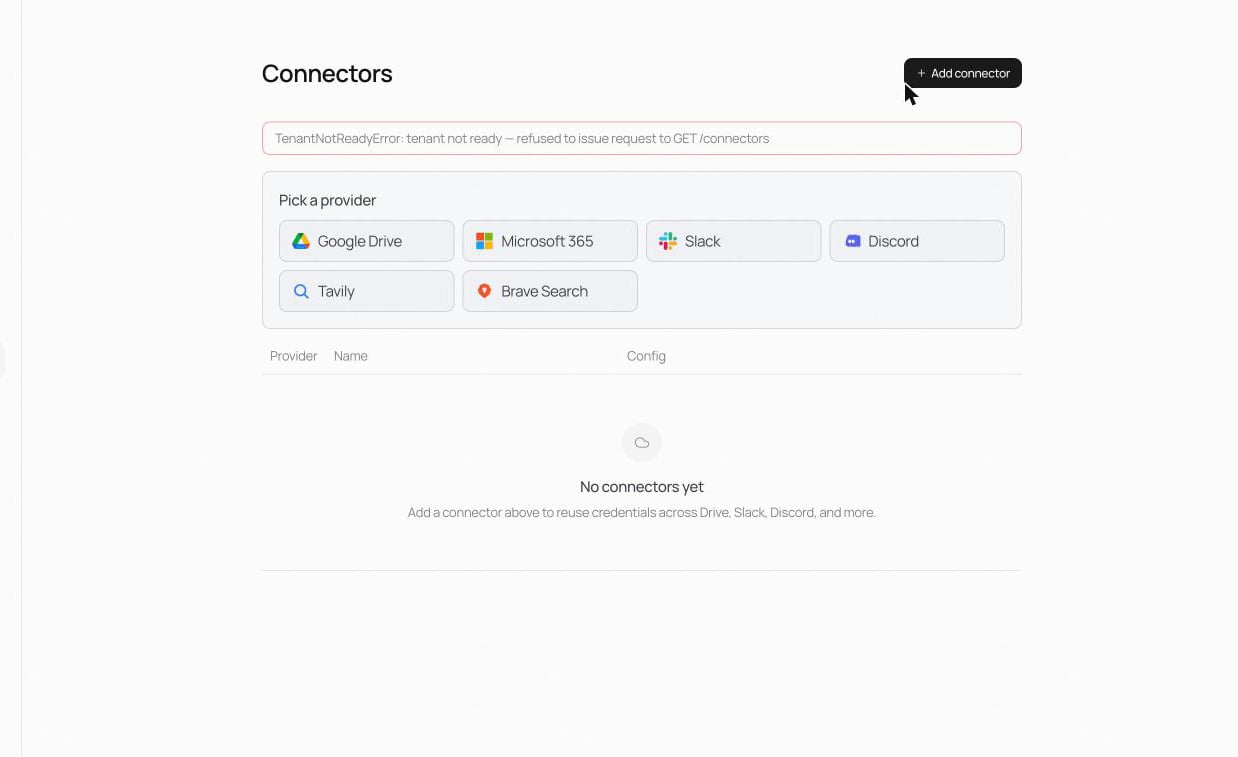
Fill the form and Save connector. Credentials are encrypted at rest and never shown again.
Using a connector
In any block that consumes the service (a Source block in a pipeline, a Tool block in a Flow), pick the connector from the dropdown. The block surfaces service-specific config (which folder, which channel); the credentials come from the connector.Least privilege
- For Google Drive, share only the folders or Shared Drives the workspace actually needs with the service account, read-only.
- For Slack and Discord, give the bot only the channels and scopes it needs.
- Keep one connector per purpose rather than one broad credential for everything.
Related
Foundry Connectors
How pipelines consume connectors.
nora connectors
The full CLI reference.