

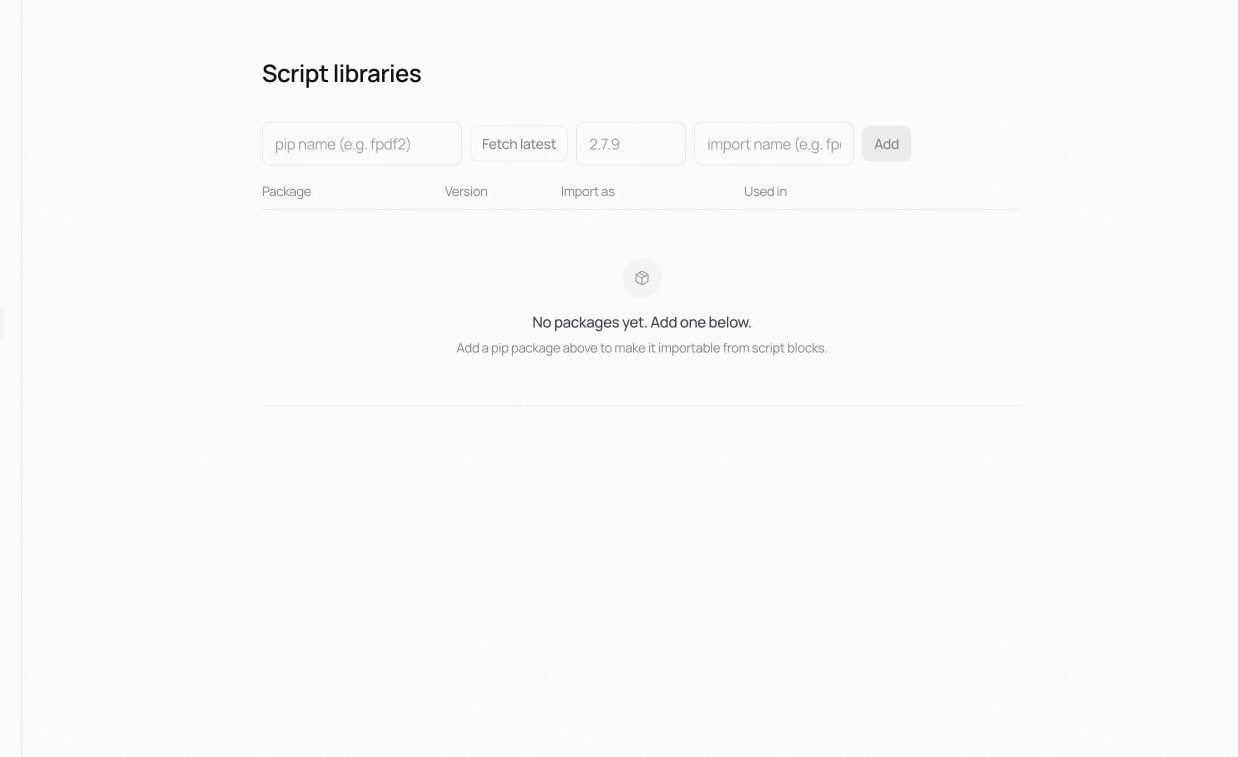
The package list
Each registered package shows its Package, pinned Version, Import as name, and Used in. Reload re-reads the current state.Adding a package
Under Add package:- Enter the package name as it appears on PyPI (the pip name).
- Fetch latest looks up the newest version.
- Pin a version (or keep the fetched one).
- Set the import name if it differs from the pip name (e.g.
PILforpillow). - Press the [Add] button.